 TakeOne
Best Teleprompter Apps for iPhone: What to Look For
There are a lot of teleprompter apps in the App Store, and most look similar from a screenshot. Here's what actually separates a good one from a mediocre one — the criteria worth checking before you commit to any of them.
Where does the script actually sit?
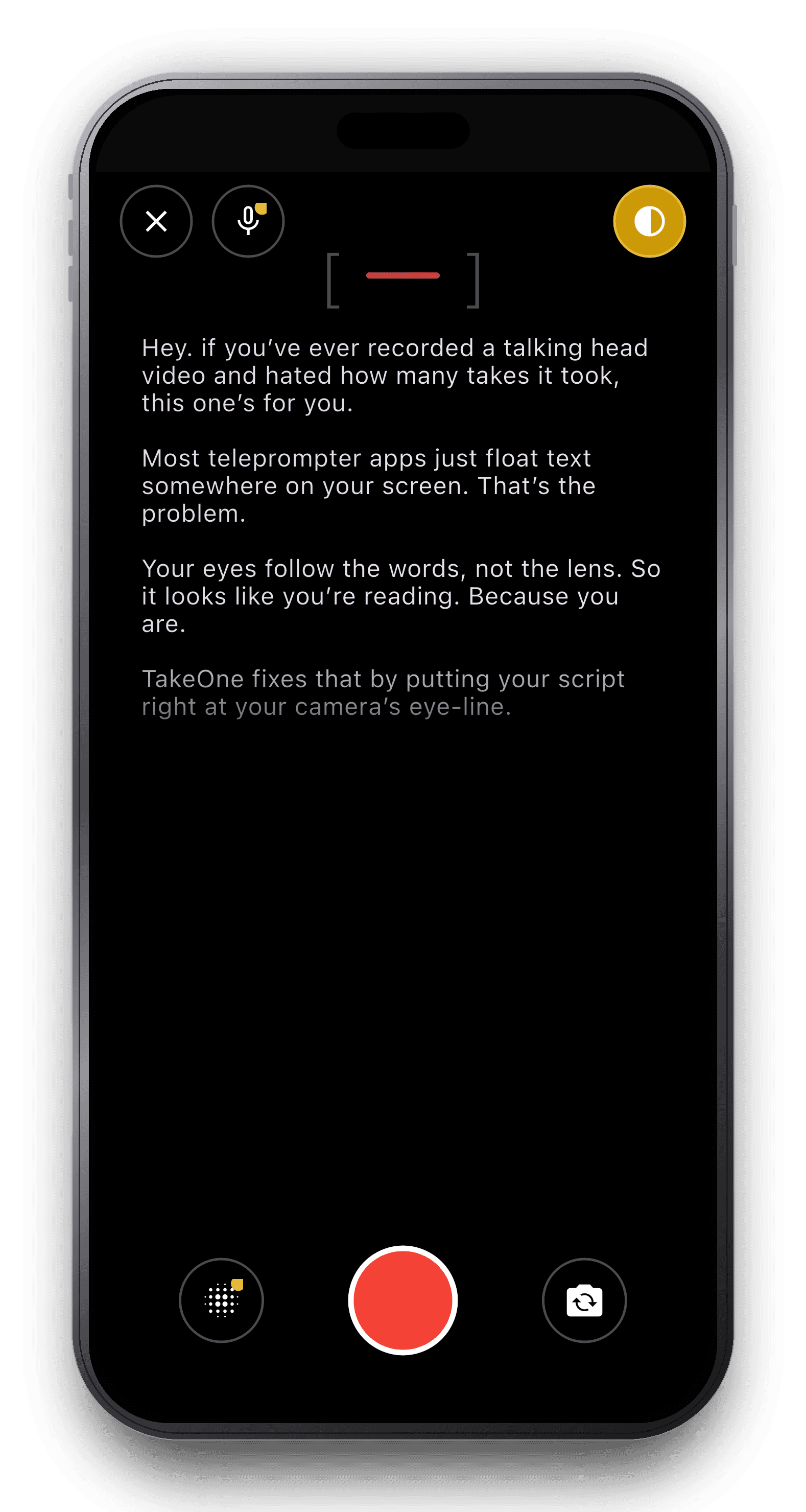
This is the single biggest differentiator between teleprompter apps, and the one most buying guides skip. If the script floats in the middle of the screen or off to one side, you'll look like you're reading — because you are. Look for an app that anchors text as close to the camera lens as the screen physically allows.
Fixed-speed scroll, or does it follow your voice?
A fixed scroll speed forces you to match a metronome instead of talking naturally — pause to think and the text runs ahead of you. Voice-following scroll (the app listens and advances the script to match your actual pace) removes that constraint, but not every app has it — check before you buy.
What happens when you flub a line?
Cheaper apps make you stop, back out to a menu, and start over. Look for an in-recording retake flow — save the take, tap retake, script resets to the top, camera stays ready — so a bad line costs you seconds, not a full re-setup.
Recording quality, or just a text overlay?
Some teleprompter apps are pure overlays that hand off to your phone's default camera app for the actual recording, capping you at whatever that app supports. If 4K/60fps, lens switching, or background blur matter to you, confirm the app records natively rather than delegating to the system camera.
Does it export in the format you actually need?
Most solo creators post to more than one platform — vertical for TikTok/Reels, square for Instagram/LinkedIn, landscape for YouTube. Recording once and exporting three ways beats re-recording per platform. Check whether the app can crop/export without a separate editing app.
Where does your footage actually go?
Some apps require an account and upload recordings to the cloud by default. If privacy matters to you — client testimonials, unreleased pitch content, anything sensitive — check whether recordings stay on-device or get uploaded automatically.
Is the pricing actually transparent?
Watch for apps that gate basic recording behind a paywall with no meaningful free tier, or that make cancellation deliberately hard to find. A free tier that lets you actually experience the core workflow before paying is a good signal.
Where TakeOne fits
TakeOne was built around the first criterion above — script placement at the camera's eye-line — plus voice-following scroll, native 4K/60fps recording, inline retake, and one-tap export to Square or Landscape. Recordings stay on your device by default; no account is required to start.
FAQ
Do I need a physical teleprompter rig for iPhone?
No — physical teleprompter hardware (reflective glass mounted on the lens) is built for studio setups and costs hundreds to thousands of dollars. A teleprompter app gives you the same scrolling-script benefit without the hardware, which is what nearly every solo creator actually needs.
What's the difference between a teleprompter app and a cue card app?
In practice, very little — both terms usually describe software that scrolls your script on-screen while you record. "Cue card" is sometimes used loosely for the same category, though a true cue card is a fixed static card rather than scrolling text.
Is TakeOne free?
Yes — the free tier includes the full camera and teleprompter at up to 1080p/30fps, capped at 1 saved script and 2 recordings. Pro removes those caps and unlocks Voice Scroll, Cinematic Mode, ultra-wide/telephoto lenses, and 4K/60fps.
Related guides
Written by the TakeOne team — who we are. We build a teleprompter app, so take the “where TakeOne fits” section as our pitch — the criteria above apply regardless of which app you end up choosing.